
One Finger Picker
Everyone places a finger on the screen, One Finger Picker counts down, and the result appears. Pick one person, assign a turn order, or split the group into two teams without setup.

One Finger Picker at a glance
- Purpose
- Randomly pick one person, set a turn order, or make two teams
- Platforms
- iPhone and iPad
- Price
- Free with banner ads
- Ad removal
- Optional one-time purchase
- Account
- Not required
- Data storage
- Preferences stay on your device
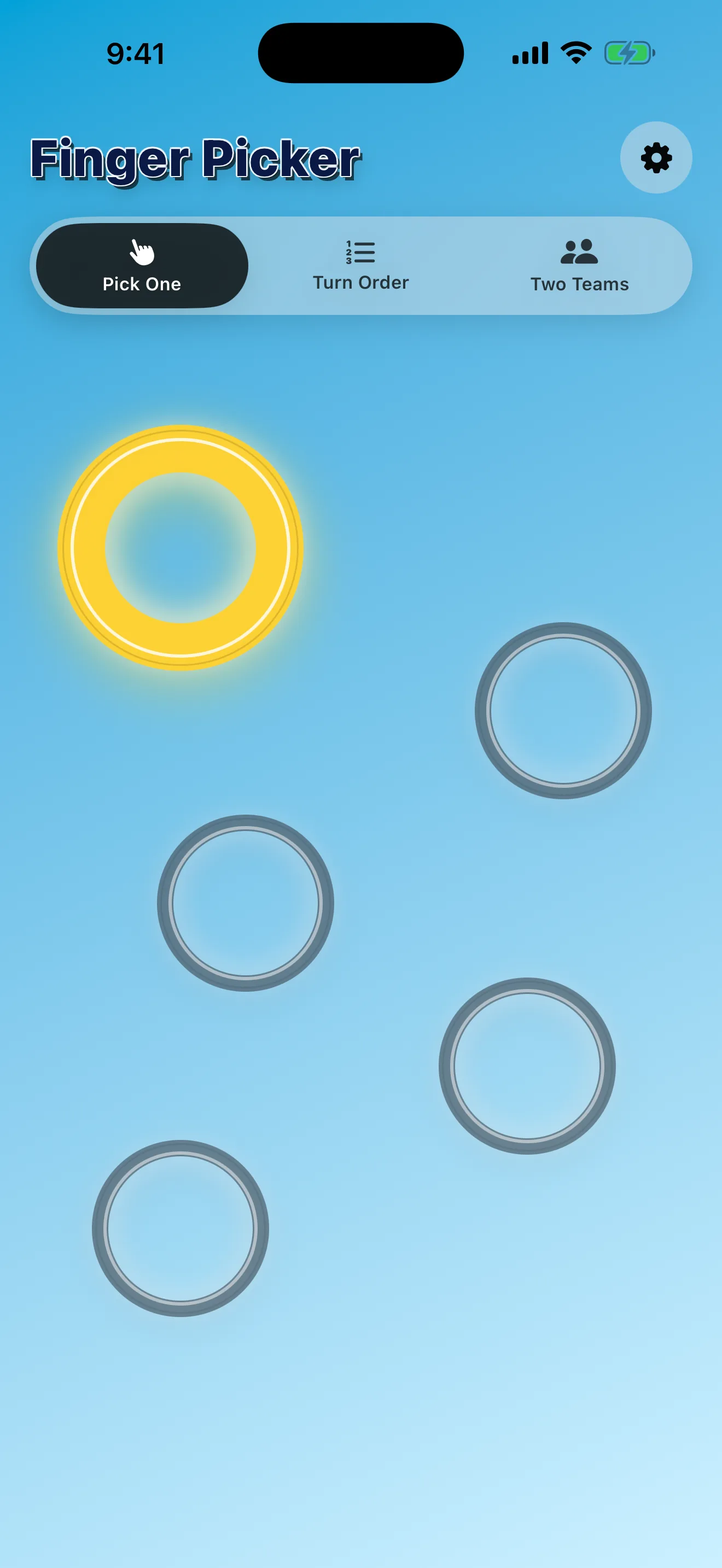
Pick One
Use the classic mode when the group needs one random choice. The winning finger gets a bright ring after the countdown.
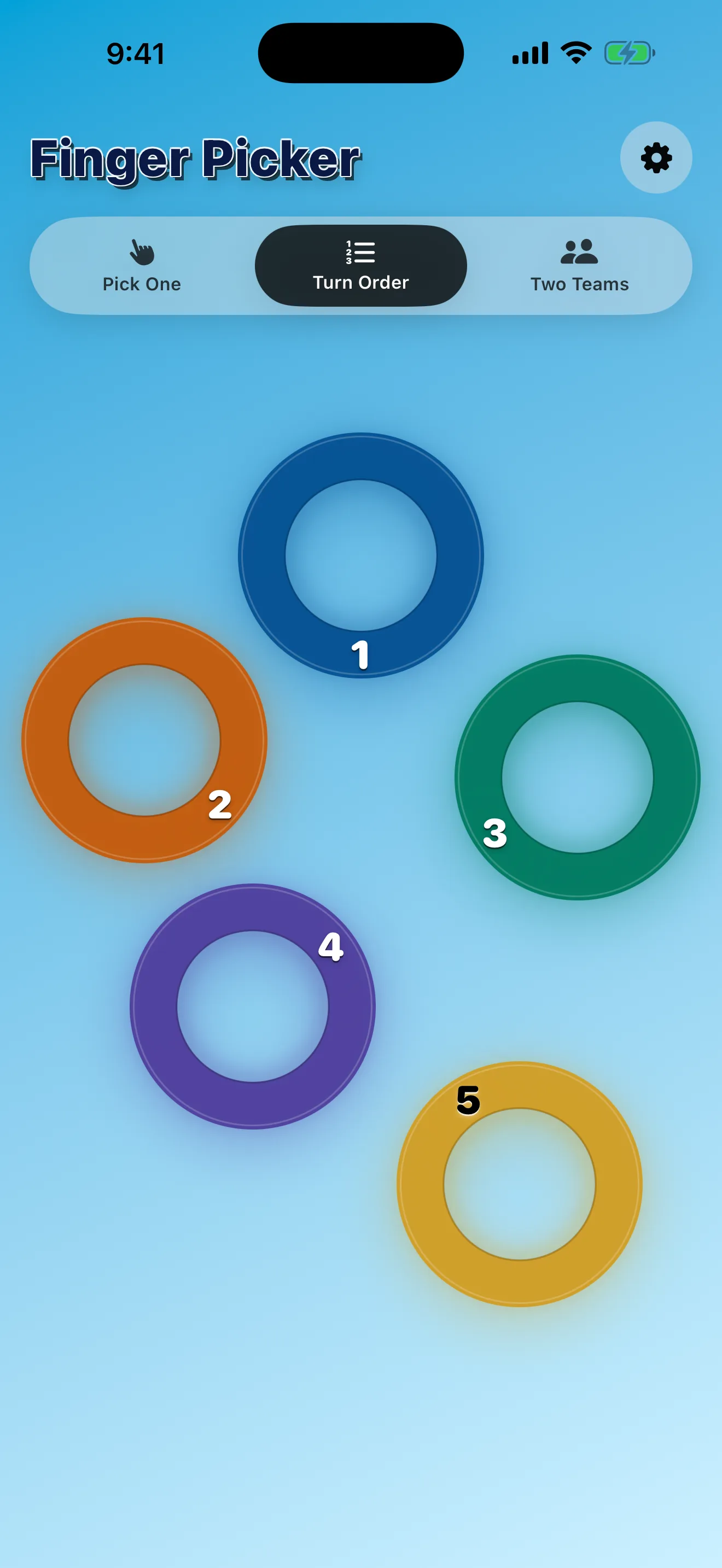
Turn Order
Assign everyone a place in order, useful for board games, turns, or choosing who goes first, second, and third.
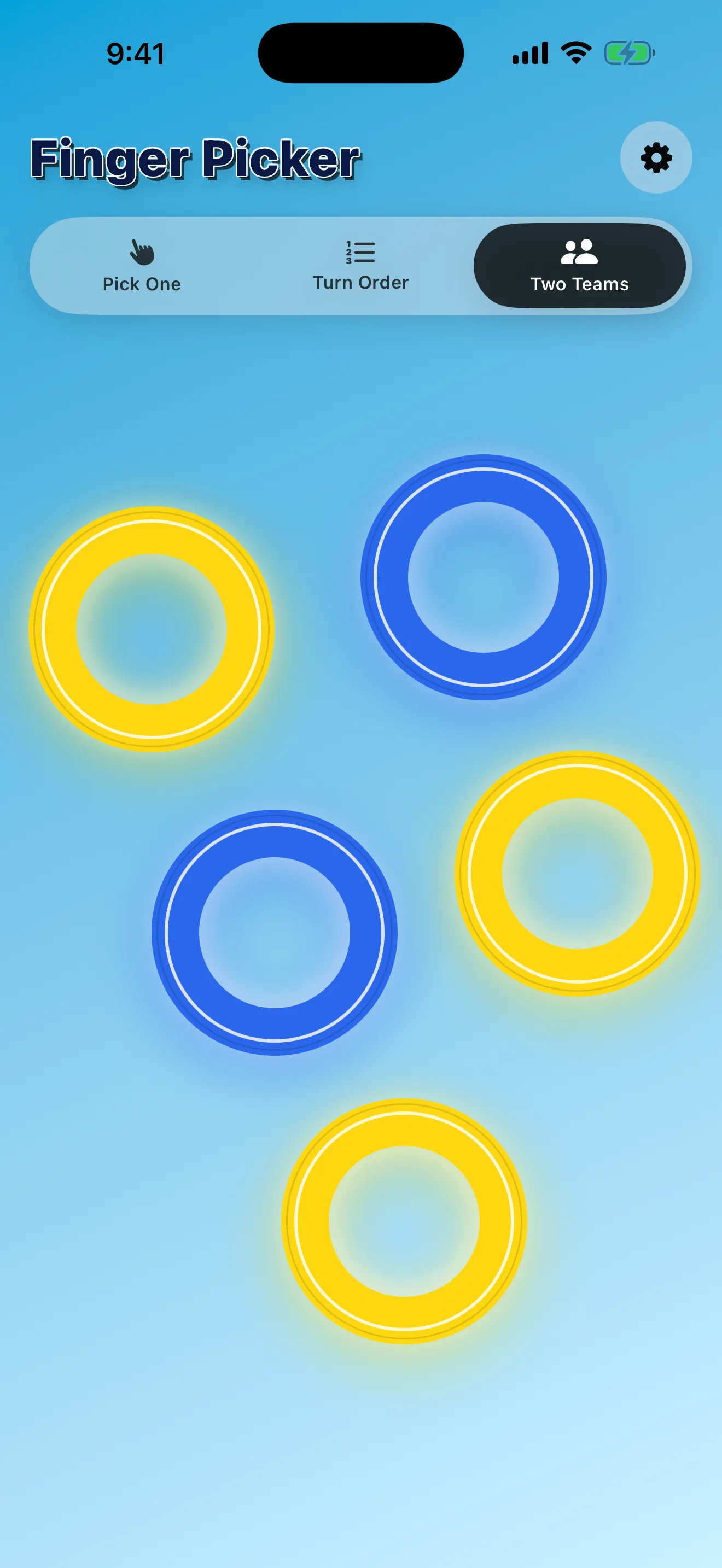
Two Teams
Split the active fingers into two random teams with clear yellow and blue team colors on the result screen.
Choose in seconds
One Finger Picker starts only when two or more fingers are touching the screen. Add another finger during the countdown and the timer resets, keeping the choice fair.
The result stays visible until everyone lifts their finger, then the app returns to idle for the next round.
Three modes, no setup
Switch between Pick One, Turn Order, and Two Teams from the main picker. The selected mode is remembered for next time.
Customize the background in settings with a solid color, gradient, or photo from your library.
App Showcase